You can now choose the name of your food delivery service inside the Super App
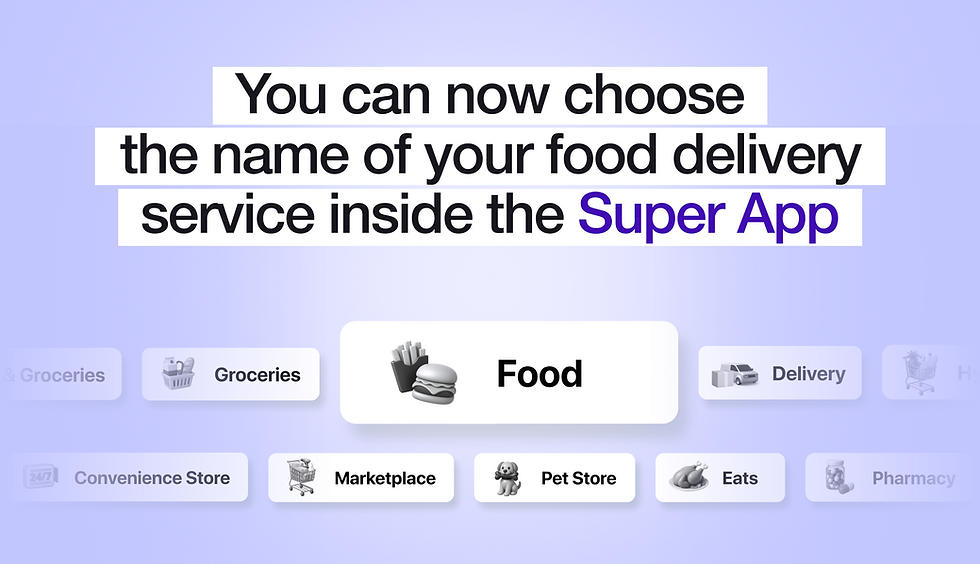
We shipped a small update that changes something that partners ask about more often than you might think: the wording of the food delivery button inside your Super App.
Before, the label was different. Starting today, you can choose from 18 options — select the one that best represents your market, positioning and services.
Why does this matter?
The button is the first thing your customers will read when deciding whether to tap it. One word. One signal. In different markets, different words have different conversion rates.
A platform built around speed should communicate something different to a platform built around variety. A grocery-first service has a different feel to a multi-category marketplace. This difference starts with the label.
This update gives you control over that signal without altering anything in the back end.
All 18 options
Broad positioning
Delivery · Marketplace · Market · Store · Shop
Speed positioning
Express · Express Delivery · Fast Delivery · 15-mins Delivery · 30-mins Delivery
Category positioning
Food · Eats · Groceries · Food & Groceries · Supermarket · Minimarket · Hypermarket
Vertical positioning
Pharmacy · Pet Store · Convenience Store

How to choose
Ask yourself a few simple questions to help you decide:
What do you mainly deliver?
If groceries, then Supermarket or Groceries. If it's from restaurants, select 'Food' or 'Eats'. If you deliver a variety of items, choose Marketplace or Delivery.
What is your competitive edge?
If it's speed — 15 Minute Delivery or Express. If it's selection, then choose Marketplace or Food & Groceries.
What does your market expect?
Some cities respond better to familiar words. If people are searching for 'delivery' locally, use that. Don't overcomplicate it.
How to update your label
Talk to your account manager, who will talk you through the options and apply the change. This update is available to all active Super App partners. If you have any questions about which label is best for your market, your account manager will be happy to help.
If you're not yet using the Super App and would like to see how it fits into the full product, you can request a walkthrough or try out the demo.


Comments